Live routing
Incoming signals move as small packets and clearly route toward the right output.


Automation possibilities
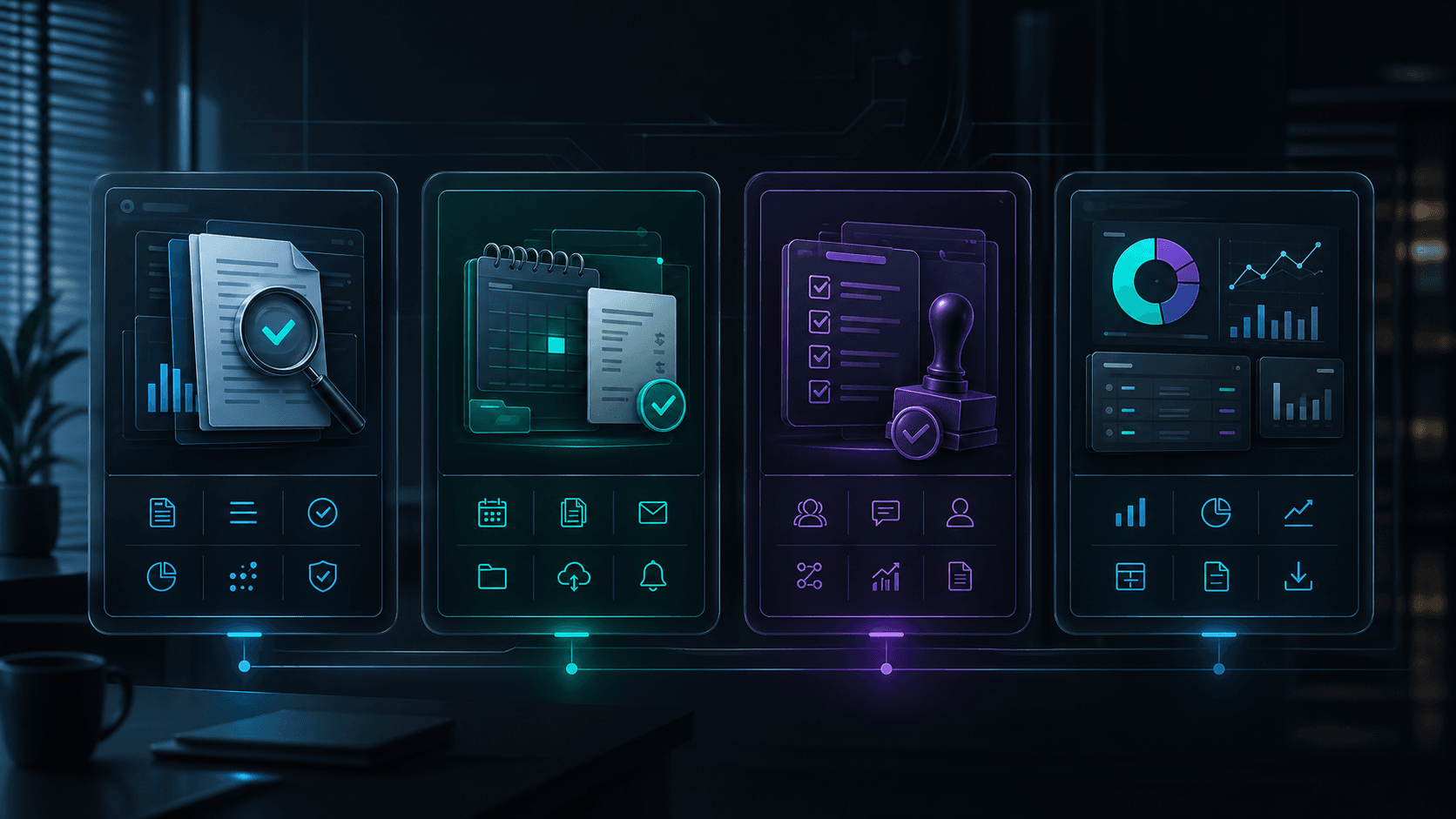
Documents, invoices, orders, and checklists pass through one line: intake, verification, action, reporting.
Animated automation
Recurring admin work moves by rules, not by mood.
Invoices, PDFs, orders, and supplier emails wait for someone to check them.
AI extracts data, checks rules, and finds what is missing.
A human approves only exceptions, amounts, and risky actions.
Documents become tasks, reminders, reports, and a cleaner back office.
Invoices, PDFs, orders, and supplier emails wait for someone to check them.
What happens inside the system
The visual logic is the same for every service: incoming signal, automatic organization, human control, and useful output.
Operating models
Each model solves a different type of operational problem: from routing requests and approving risky decisions to business memory and management oversight.
Incoming signals move as small packets and clearly route toward the right output.
The screen separates chaos and the organized result so the transformation is instantly visible.
Where there is risk, the system pauses and shows human review instead of blind automation.
Scattered context becomes a searchable network of knowledge, tasks, and decisions.
Repetitive actions disappear from the manual list and reappear as completed steps.
The system highlights delays, gaps, and next actions before the owner has to hunt for them.
In practice
Pick a common bottleneck below and see how the system transforms it: from fragmented inputs to structured outputs, with human control at every critical step.
due dates, amounts, reminders
Afterchecked paymentPDFs, emails, reminders, mistakes
Extracted, checked, routed
Operating map
Documents and emails enter from different places.
The system reads, compares, and flags what is missing.
A person sees only decisions that carry risk.
You get tasks, reminders, and a short report.
How each automation works
Invoice and payment follow-up
Inventory, orders, and suppliers
Compliance and document checklists
OCR and data structuring
Send us your website and the most painful process. We will return a clear first view of what can be automated.
Request Snapshot